
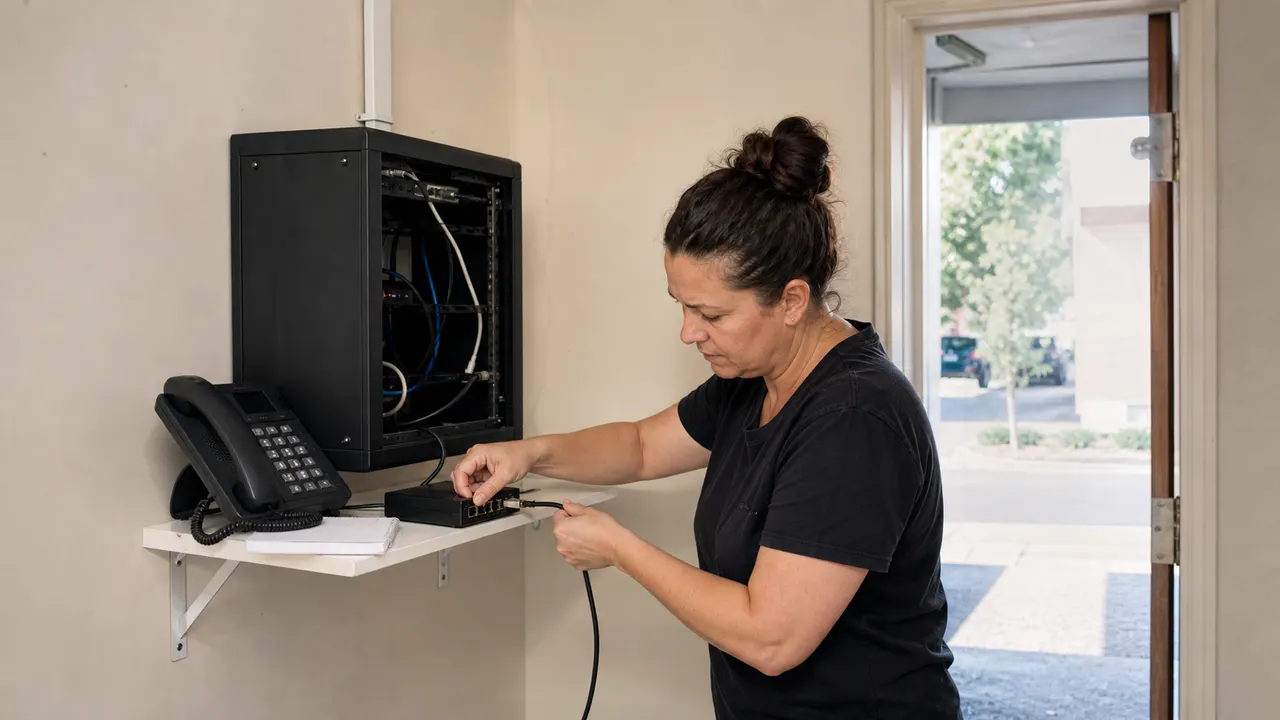
To set up an AI voice receptionist, connect it to the number or phone system that receives your calls, give it approved business information, define when it should transfer to a person, and test the full conversation before launch.
The connection is only half the work. The other half is deciding what the receptionist should say and what your team should receive after a caller reaches out. If you are new to the category, start with our plain-language guide to what an AI voice receptionist is.
If you are setting this up for a healthcare clinic, read our checklist forverifying scheduling, privacy, and human handoff requirements before you connect a live patient-facing number.
If appointment booking is your first job, read our checklist forverifying an AI receptionist appointment workflow before you open the calendar to real callers.
1. Choose one job for the first version
Do not begin with “answer everything.” Choose one repeatable job that already takes time from your team. After-hours call capture is a good starting point. So is booking one appointment type or answering a short set of service questions.
Keep routing separate from routine support answers when the call flow grows. Our guide to AI receptionists versus customer service agentsexplains how to divide those responsibilities before you write the rules.
Write down the result you want. It might be a booked appointment, a callback request, or a transfer to a specific person. A narrow first job makes the system easier to test and easier to improve.
The questions should match the opportunities you actually want. Our guide to what an AI receptionist should ask can help you keep the intake short. If the call may become a sales opportunity, use our guide to qualified leads for small businesses to decide what information matters before a handoff.
2. Map your current phone system
Find out where your business number lands today. It may ring a desk phone, a shared line, an auto attendant, a private branch exchange, or a hosted phone service. Note what happens during business hours and after closing.
Then check how calls can leave that system. Common options include forwarding calls to a new number, using a provider that connects to your current phone service, or routing calls through SIP. SIP is a standard way for voice systems to start and move calls.
The right option depends on your phone provider and hardware. Our guide to using an AI receptionist with an existing phone system explains what to check before you connect a live number.
As one current example, Zoom says its AI receptionist works with an existing phone system and offers a no-code setup through its phone administration portal. Read the official Zoom AI receptionist page for the provider-specific details. That claim does not mean every service will connect to every phone system.
3. Pick the smallest connection method that works
Forwarding or a dedicated number
This is often the simplest test. Calls go to a number managed by the AI receptionist, while your existing business number stays in place. You can use it for after-hours calls or one campaign before changing your main routing.
Native phone-system connection
Some services connect inside the phone platform you already use. This can make routing and transfers easier, but the exact setup depends on the provider and your plan.
SIP or PBX connection
A SIP connection is useful when your office already runs an IP phone system or PBX. Twilio's official SIP Interface documentation describes routing calls between existing SIP infrastructure and the cloud. It also explains how a PBX can sit in the call flow while application logic handles the next action.
SIP is powerful, but it is not the right first step for every office. If you do not manage the phone system yourself, ask your phone provider or a qualified technician to confirm the connection before you change anything.
4. Give the receptionist approved information
Start with the information callers ask for most. Include hours, services, locations, service areas, booking rules, and the next step for a new customer. Keep the source current. An AI receptionist should not guess when the answer is missing.
Write answers in plain language. Add the words that should trigger a human handoff. Include sensitive situations that need a person even when the AI recognizes the question.
Keep private information out of the first version unless the workflow and provider have been reviewed for it. A small business usually learns more by starting with a narrow call flow than by uploading every internal document.
5. Design the handoff before you turn on transfers
Decide who should receive each type of call. Then decide what the person needs to see when the call arrives. A useful handoff may include the caller's name, reason for calling, timing, and the next step already offered.
Do not make the caller repeat everything. If a transfer fails, the receptionist should take a message and explain when someone will respond. If the request is urgent or sensitive, it should stop trying to solve the problem on its own.
This is where setup connects to lead generation. The goal is not only to answer the phone. It is to move the right conversation to the right person with enough context to act.
6. Add one useful integration
Add the calendar, CRM, or message destination that supports the first job. Do not connect every tool at once. A single reliable booking flow is more useful than several integrations that your team has not tested.
If the first job is lead follow-up, our guide to AI voice receptionist CRM integrationexplains which caller details and next actions are worth connecting first.
Some providers list calendar connections and lead capture as part of their receptionist tools. Zoom's current product page, for example, lists calendar integrations and lead capture among its features. Treat those as provider-specific capabilities and confirm what your plan includes.
Before you choose a plan, model your call volume and usage limits. Our guide toAI voice receptionist pricing explains why the headline monthly price is only one part of the decision.
7. Test with real calls before launch
Call from a mobile phone and use the words your customers actually use. Ask the same question in a different way. Give an unclear answer. Request a transfer. Try a call after hours.
Check five things: Did the call reach the right place? Did the receptionist give an approved answer? Did it collect the right detail? Did the transfer or booking work? Did your team receive enough context?
Fix the call flow before adding more services. Review a small sample of conversations every week at first. Look for repeated questions, failed handoffs, and moments where a caller had to start over.
For a dedicated way to evaluate those calls before and after launch, read our guide to AI receptionist testing.
If you are reviewing a vendor first, our guide to AI voice receptionist demosshows what to ask before you route real callers.
When the connection works, use our AI voice receptionist prompt guide to keep the role, rules, and handoff in one place.
A simple first setup for a small office
If you want a practical starting point, route after-hours calls to the AI receptionist. Let it answer hours and service questions. Ask for the caller's name, phone number, service need, and preferred callback time. Let it book one appointment type or create a callback request. Send unusual or urgent requests to a person.
This gives you a real workflow to measure without changing every part of the office phone system. Once it works, expand one call type at a time.
A dental office can use the same narrow approach. Our guide to an AI voice receptionist for dental officesexplains how to separate routine booking from calls that need staff.
Where Leadspa fits
Setup works best when the phone connection and the customer journey are designed together. Read the guide to how the receptionist works, then use the question framework, lead definition, and pricing guide as you build the first version.
Leadspa can help you map the first call flow, decide where a person should step in, and connect the workflow to the way your business already operates.
Want help planning the first call flow?
We can help you choose a narrow starting point and test the handoff before launch.
Book a free consultation